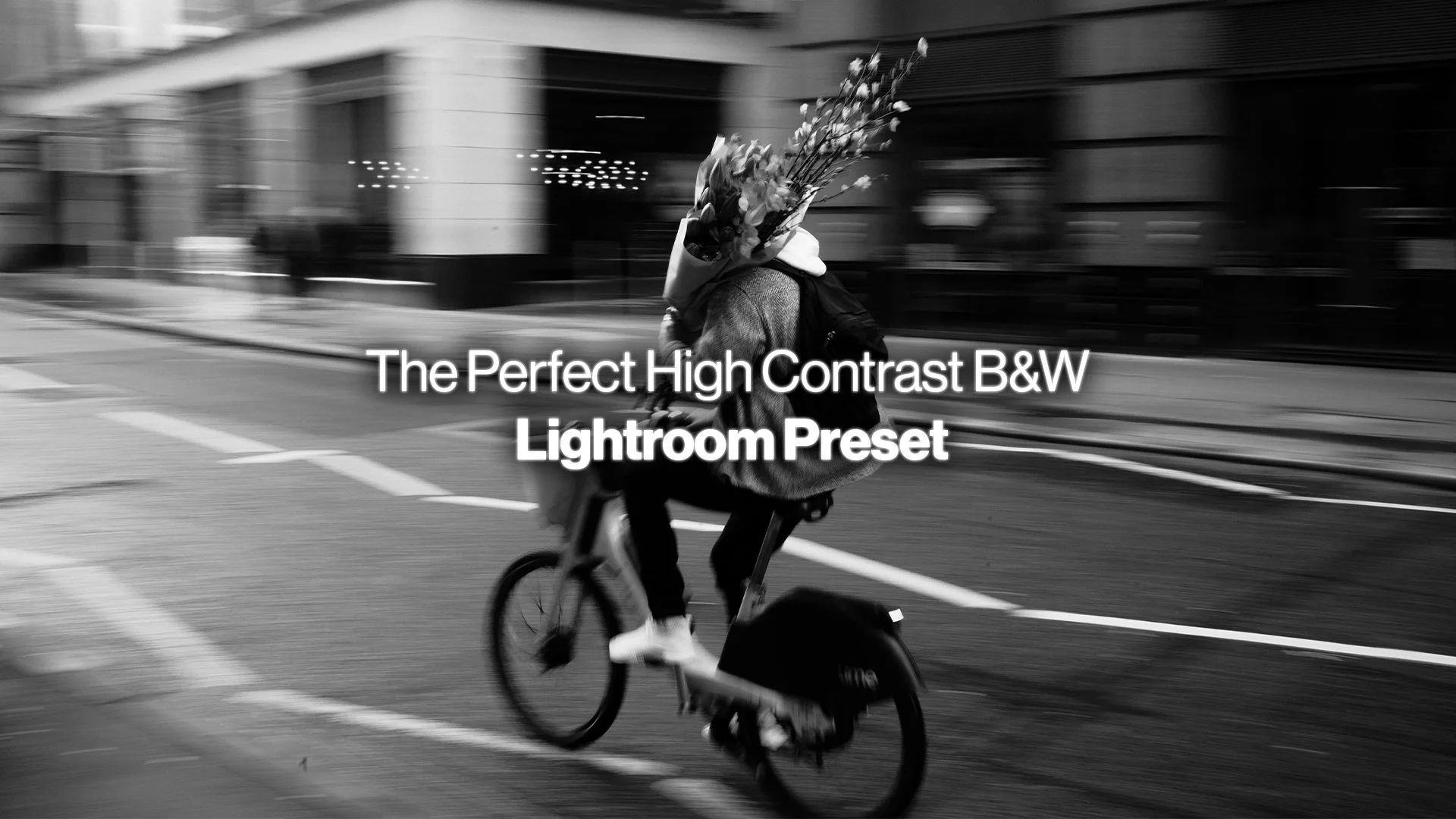
The Perfect High Contrast B&W Preset
LIGHTROOM PRESET
The Leica HC B&W look, rebuilt for Lightroom. In my opinion, obviously.
The Perfect High Contrast B&W Preset (in my opinion)
If you shoot Leica, you already know the HC Black & White picture profile. It’s how I always use my M11 - the high contrast black white helps emphasise light, shadow, highlights, shapes, form and ultimately improve my compositions on the move.
Looking at the regular coloured picture profiles doesn’t do much for me whilst shooting. They’re almost boring in a way that makes no difference to how I see.
But there’s something very satisfying and helpful about the crunchy pop of contrast from the b&w profile. But here’s my issue… I am always shooting RAW, probably like you.
That beautiful high contrast preview disappears the moment you open Lightroom and start developing, and you're left staring at a full colour file. Most of the time that's fine I end up with final colour photographs around 70% of the time.
But for the other 30%, when the shoe fits, you know it needs to be black and white and I want that previous Leica b&w look. But it's gone.
So I built this preset.
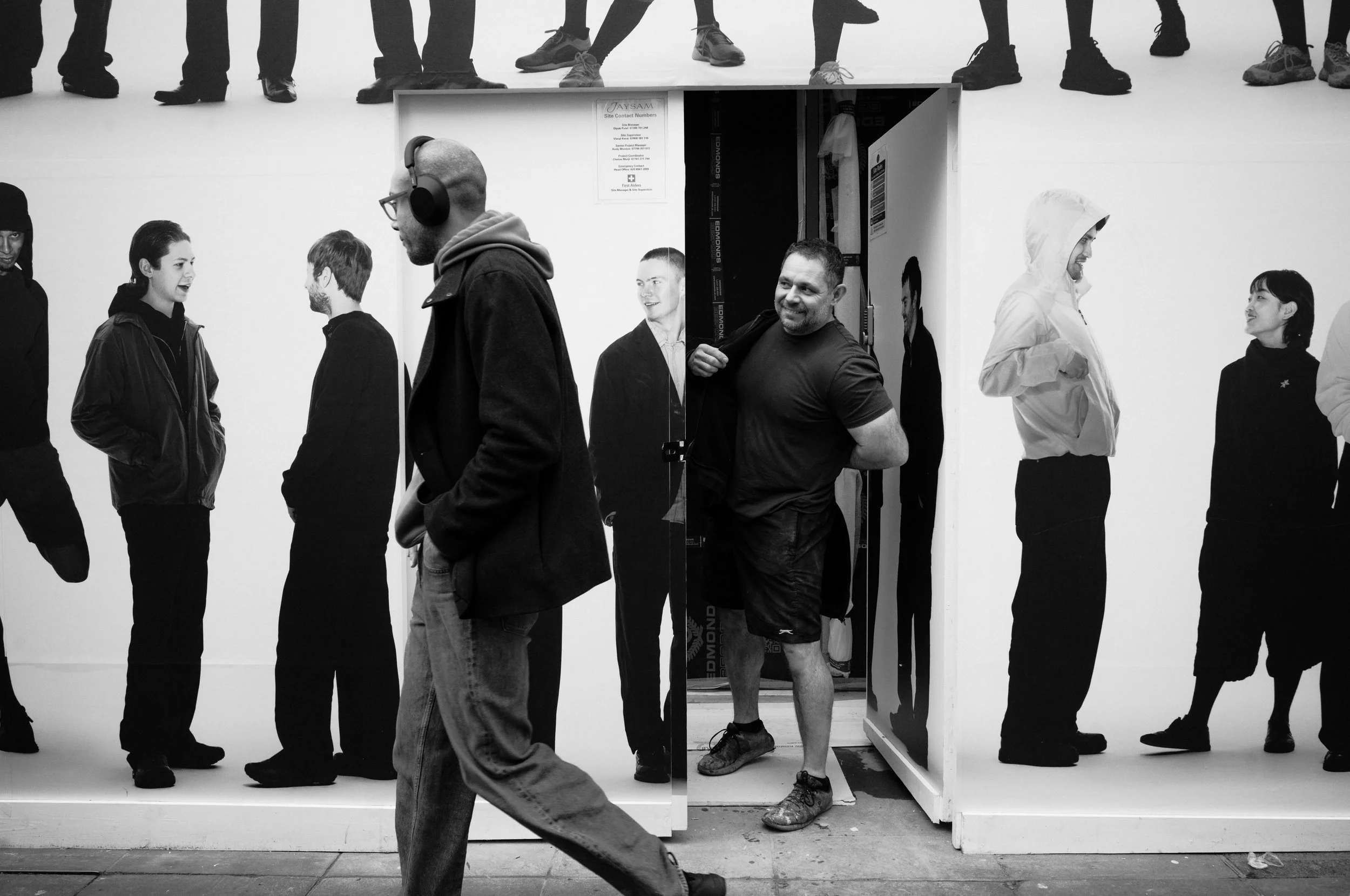
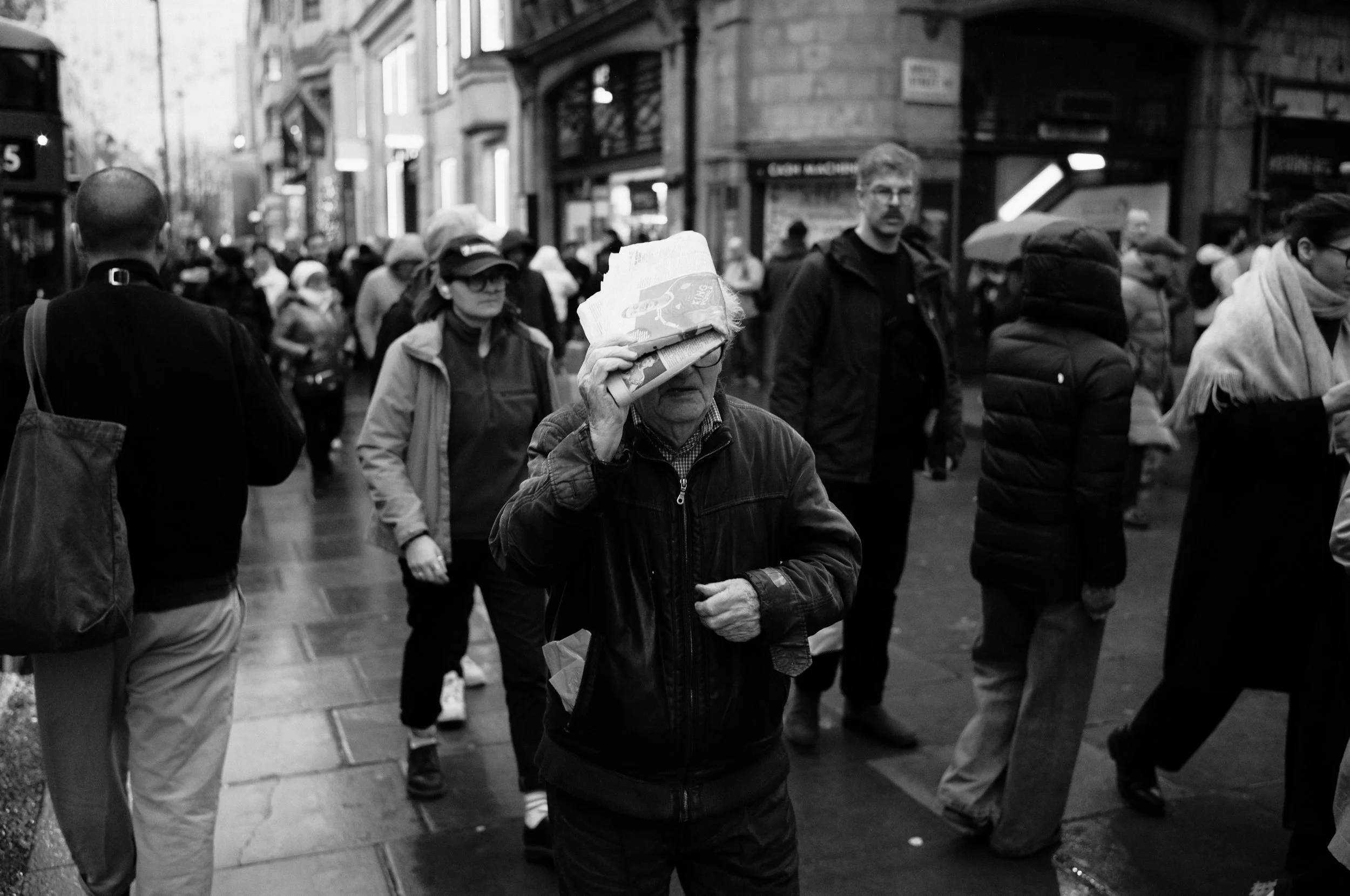
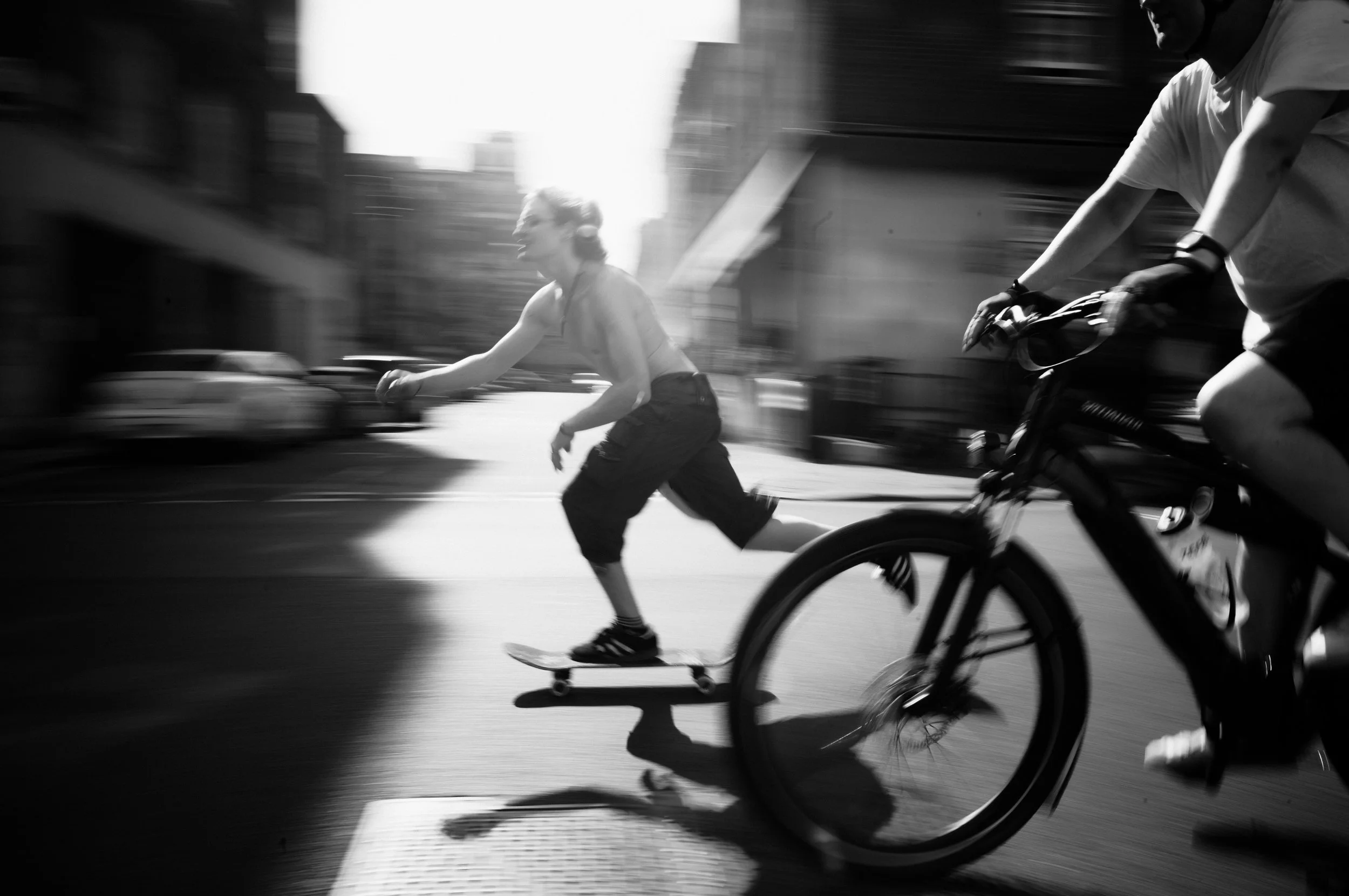
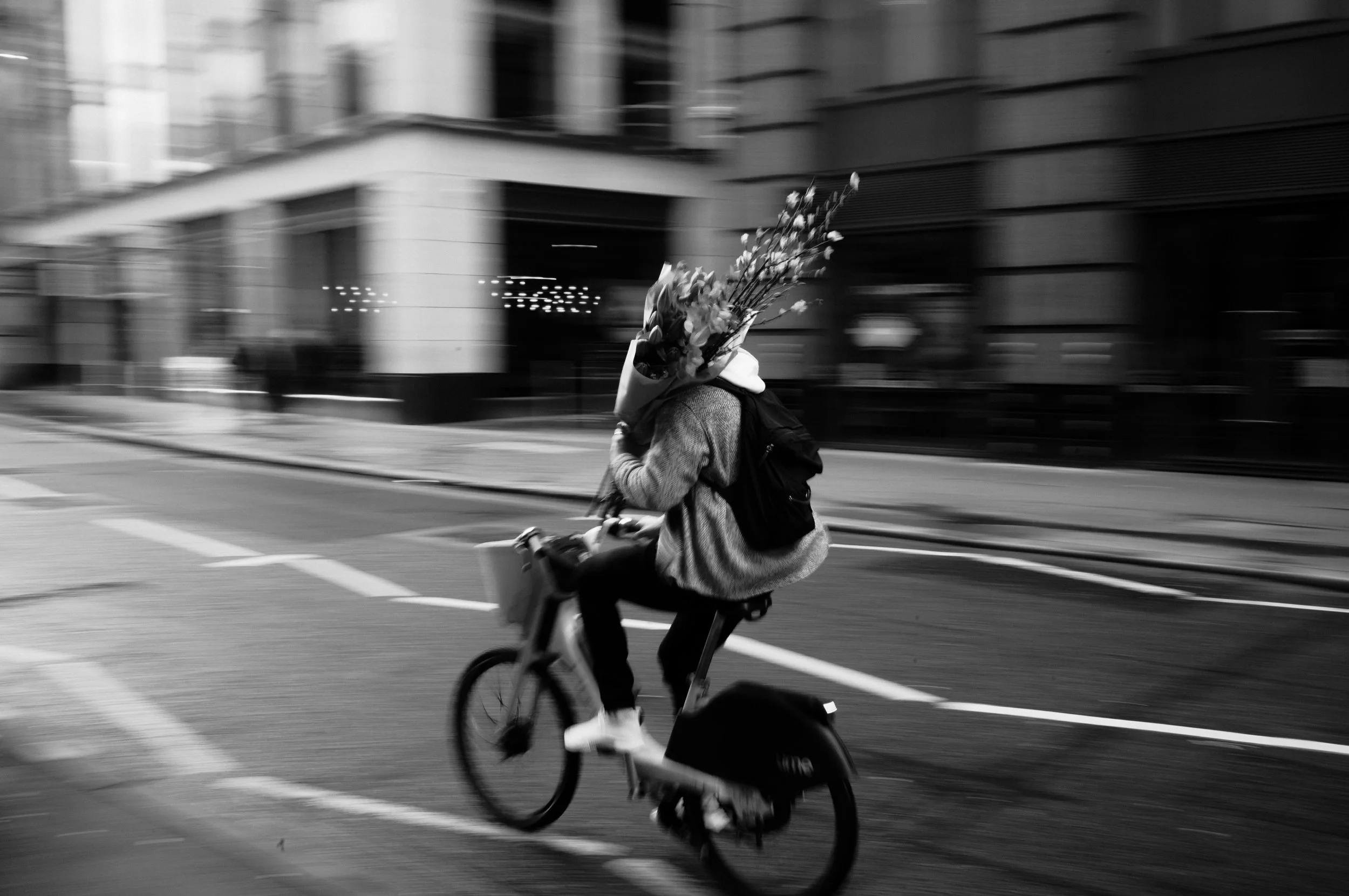
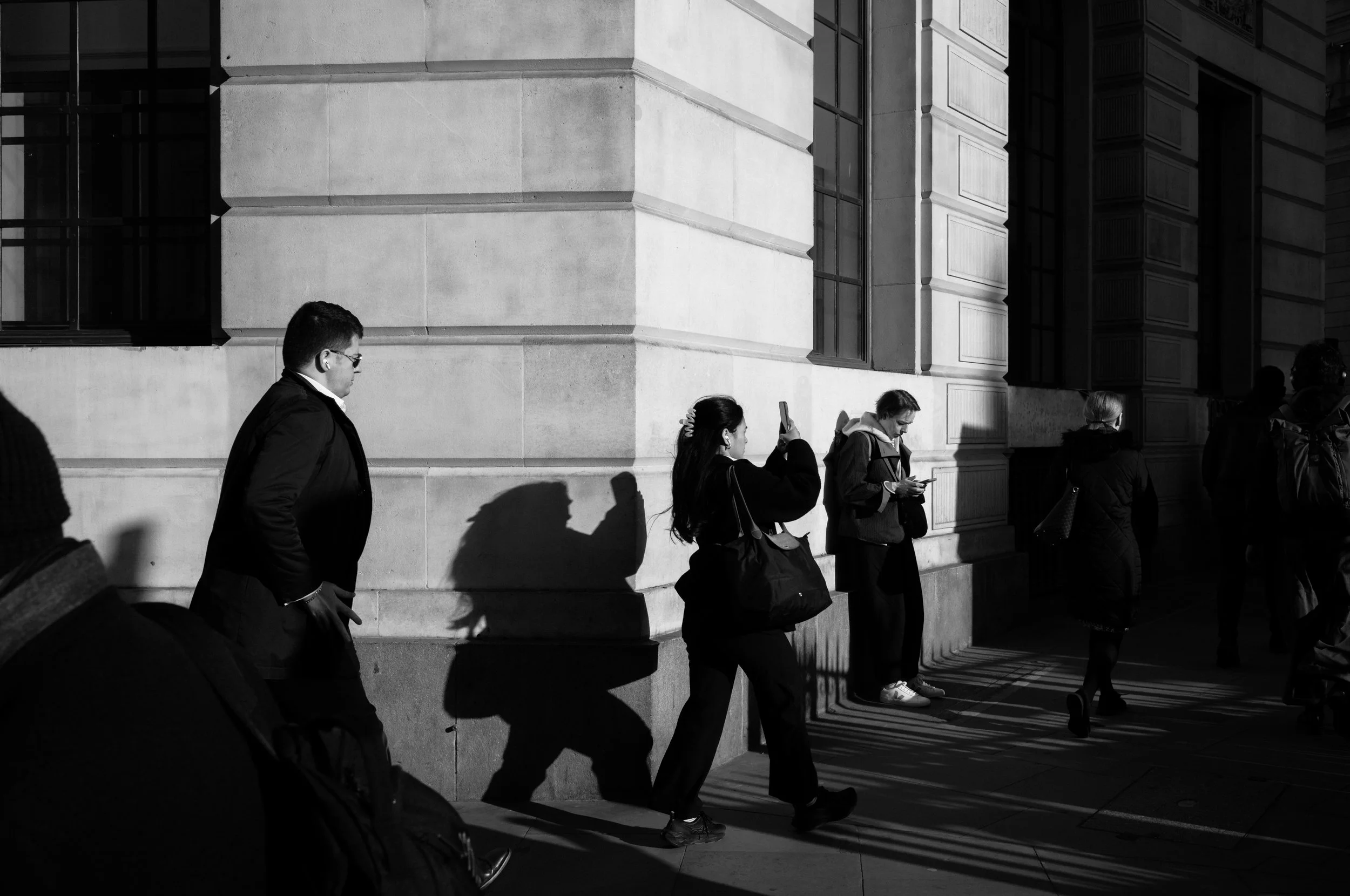
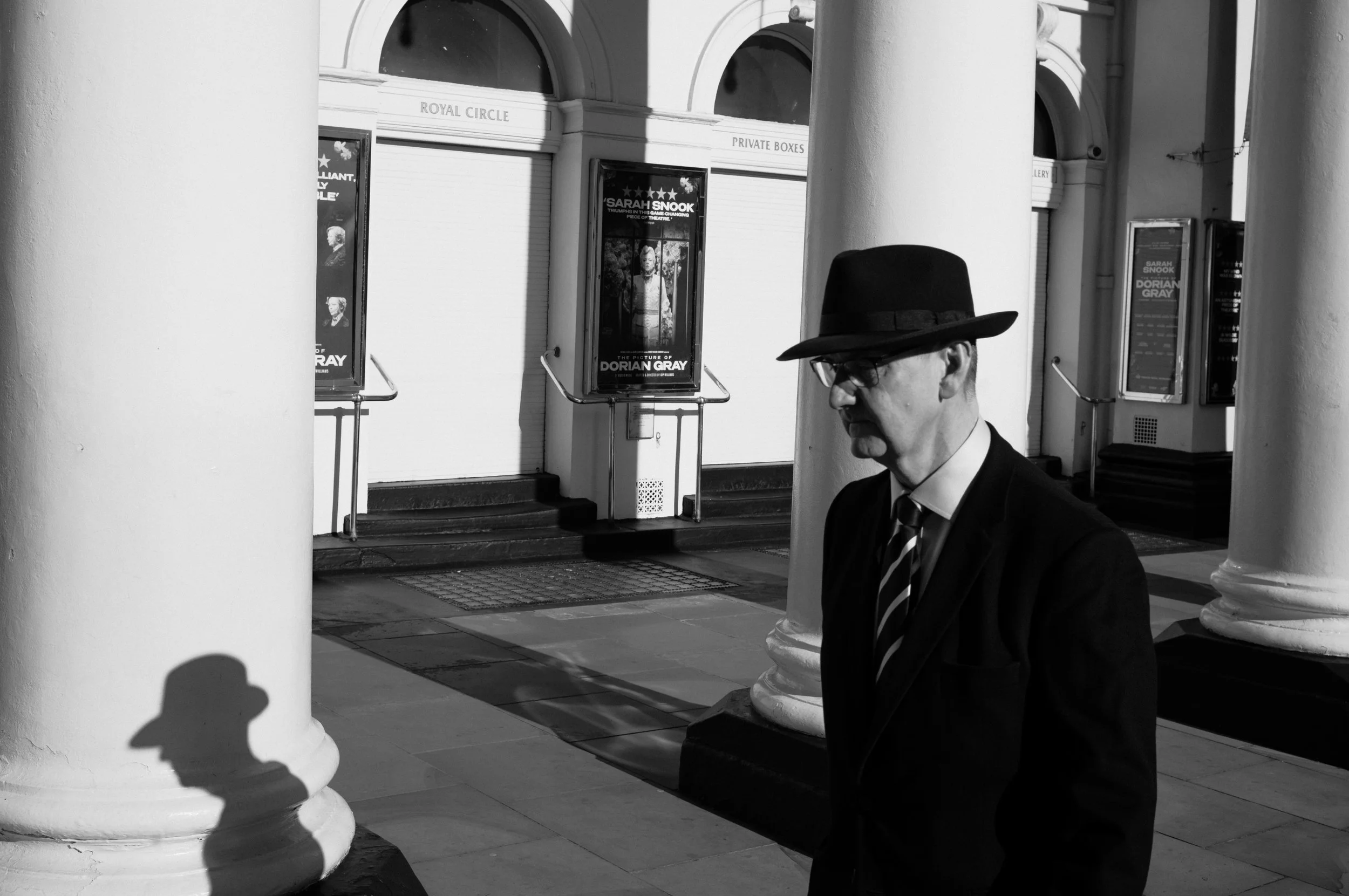
This preset is my attempt to recreate the Leica HC B&W profile as faithfully as possible inside Lightroom - and then push it just a little further with added texture and a touch more contrast, making it my new favourite B&W look i’ve seen from a preset… obviously i’m biased.
How I Made It:
This wasn't just a case of desaturating a file and tweaking the tone curve. To get this right, I shot against a colour card and painstakingly matched how the Leica HC B&W profile converts each colour into grey. The shade of grey that red becomes. The shade that green becomes. Skin tones. Sky. Foliage. Each one needed to be precise, so that when you drop this preset onto a colour RAW file, the tonal relationships match, as closely as possible what the Leica profile would have produced in-camera.
Combined with the Adobe Monochrome profile in Lightroom, the result is consistent and reliable across a range of camera files - not just Leica. I've tested it across multiple systems and it looks great to me.
This is the B&W preset I've been using personally for months. It's dialled.
What You Get:
XMP file for Lightroom desktop
DNG file for Lightroom mobile
Instant download
Lightroom Desktop (XMP) + Mobile (DNG)
Works on any RAW file, not just Leica
The preset I use on my own work, daily
The Perfect High Contrast B&W Preset (in my opinion)
If you shoot Leica, you already know the HC Black & White picture profile. It’s how I always use my M11 - the high contrast black white helps emphasise light, shadow, highlights, shapes, form and ultimately improve my compositions on the move.
Looking at the regular coloured picture profiles doesn’t do much for me whilst shooting. There’s something very satisfying and helpful about the crunchy pop of contrast from the b&w profile. But here’s my issue… I am always shooting RAW, probably like you.
That beautiful high contrast preview disappears the moment you open Lightroom and start developing, and you're left staring at a full colour file. Most of the time that's fine as I end up with final colour photographs around 70% of the time.
But for the other 30%, when the shoe fits, you know it needs to be black and white and I want that previous Leica b&w look. But it's gone.
So I built this preset.
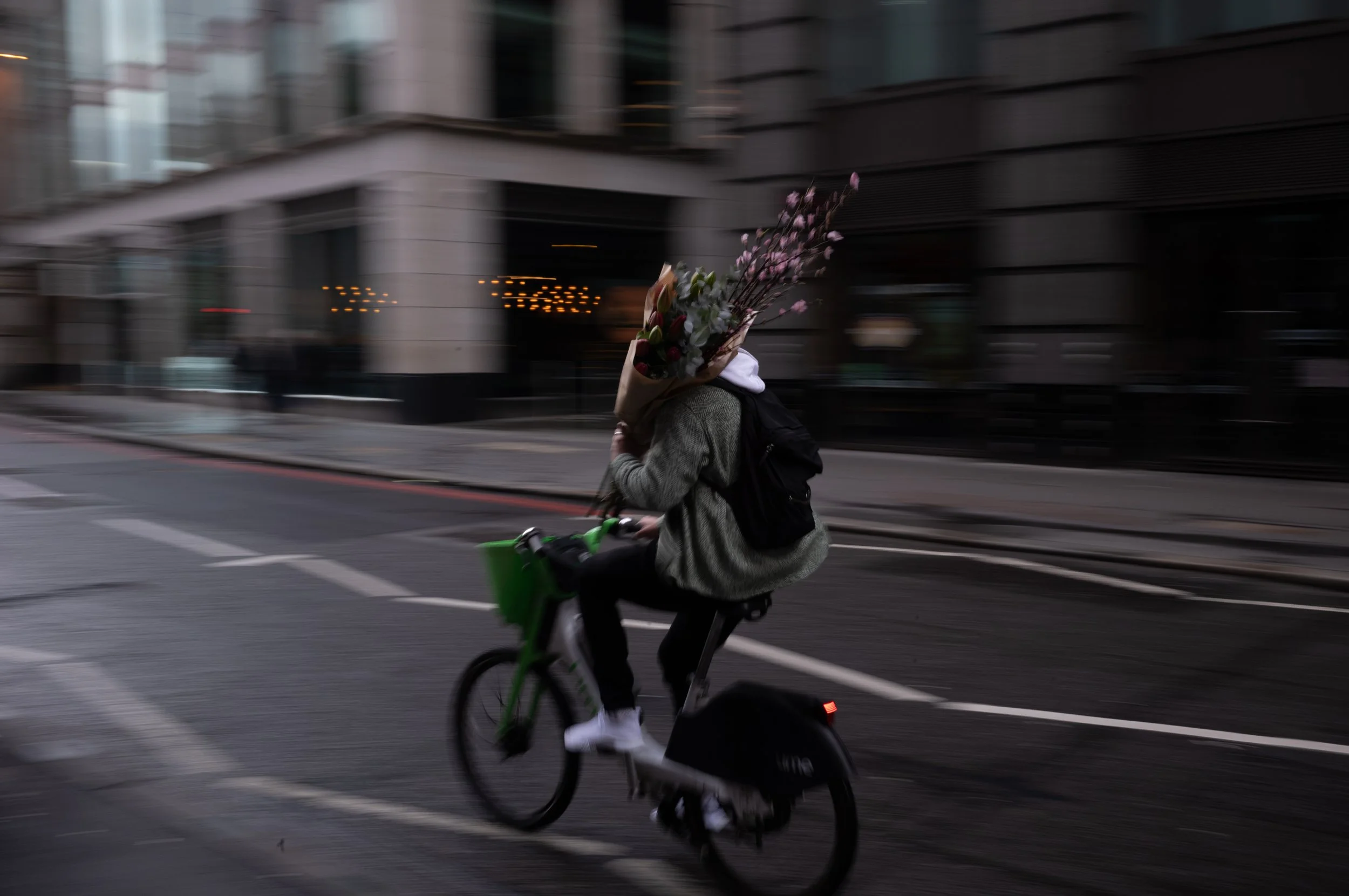
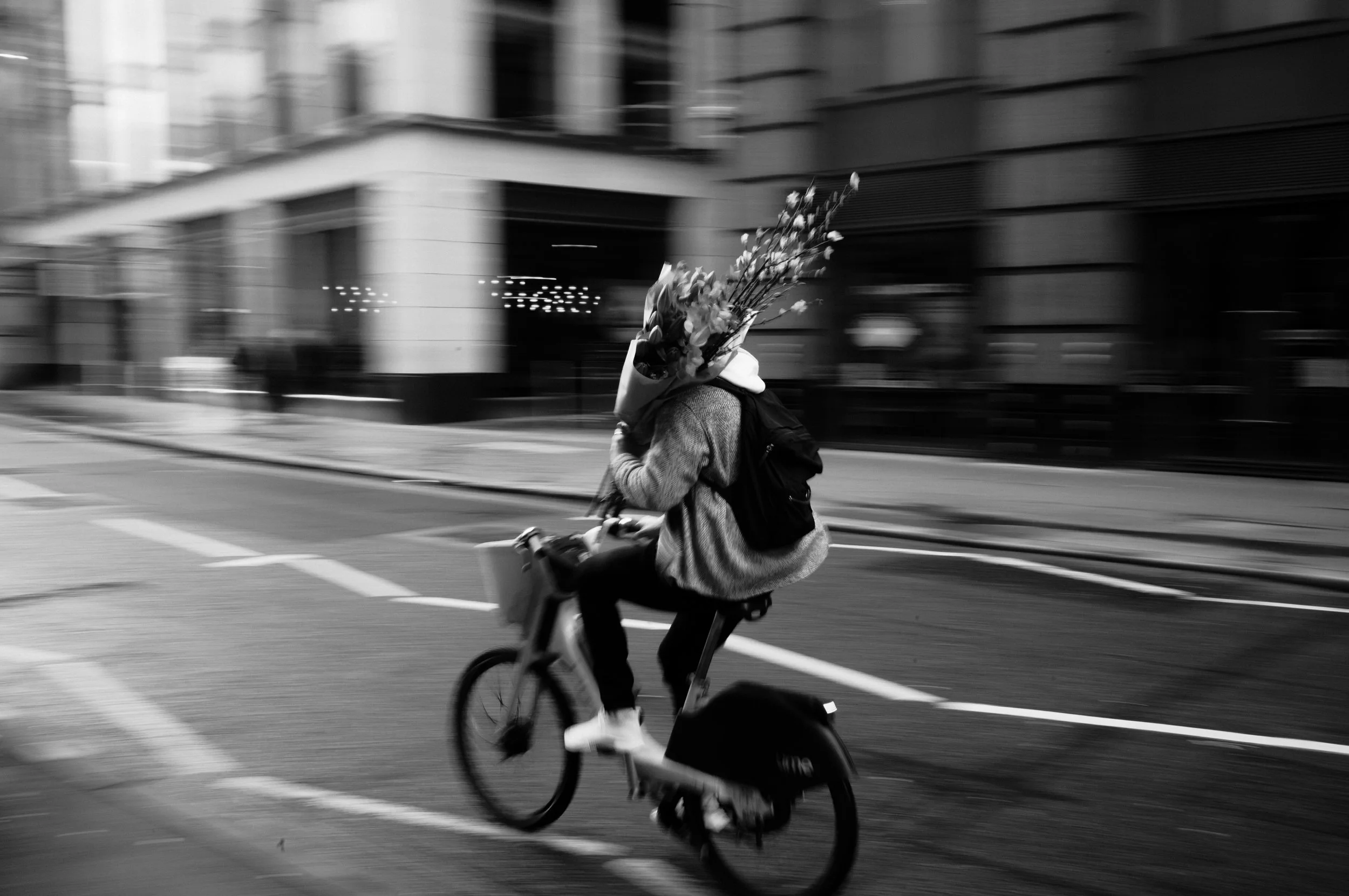
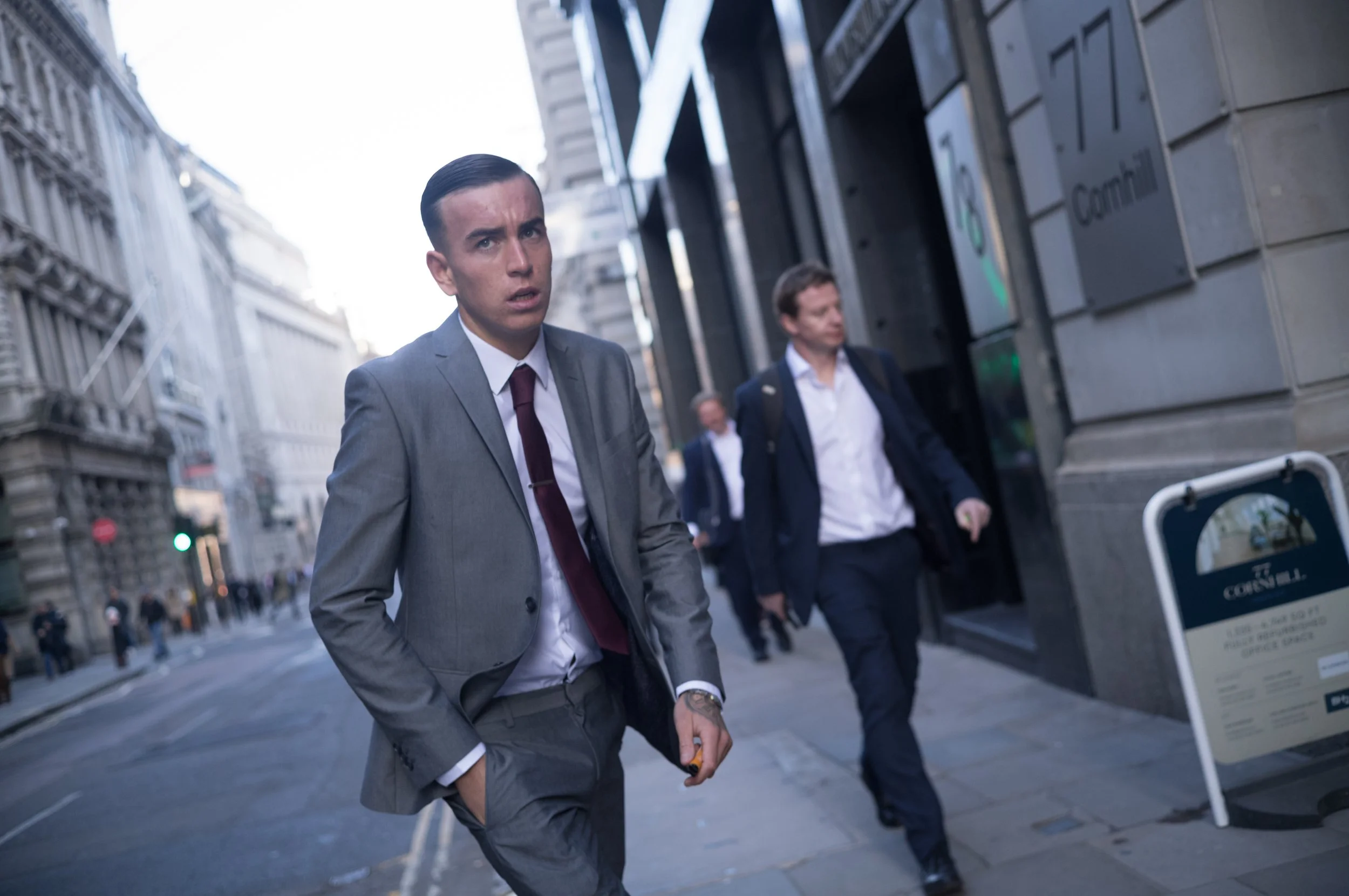
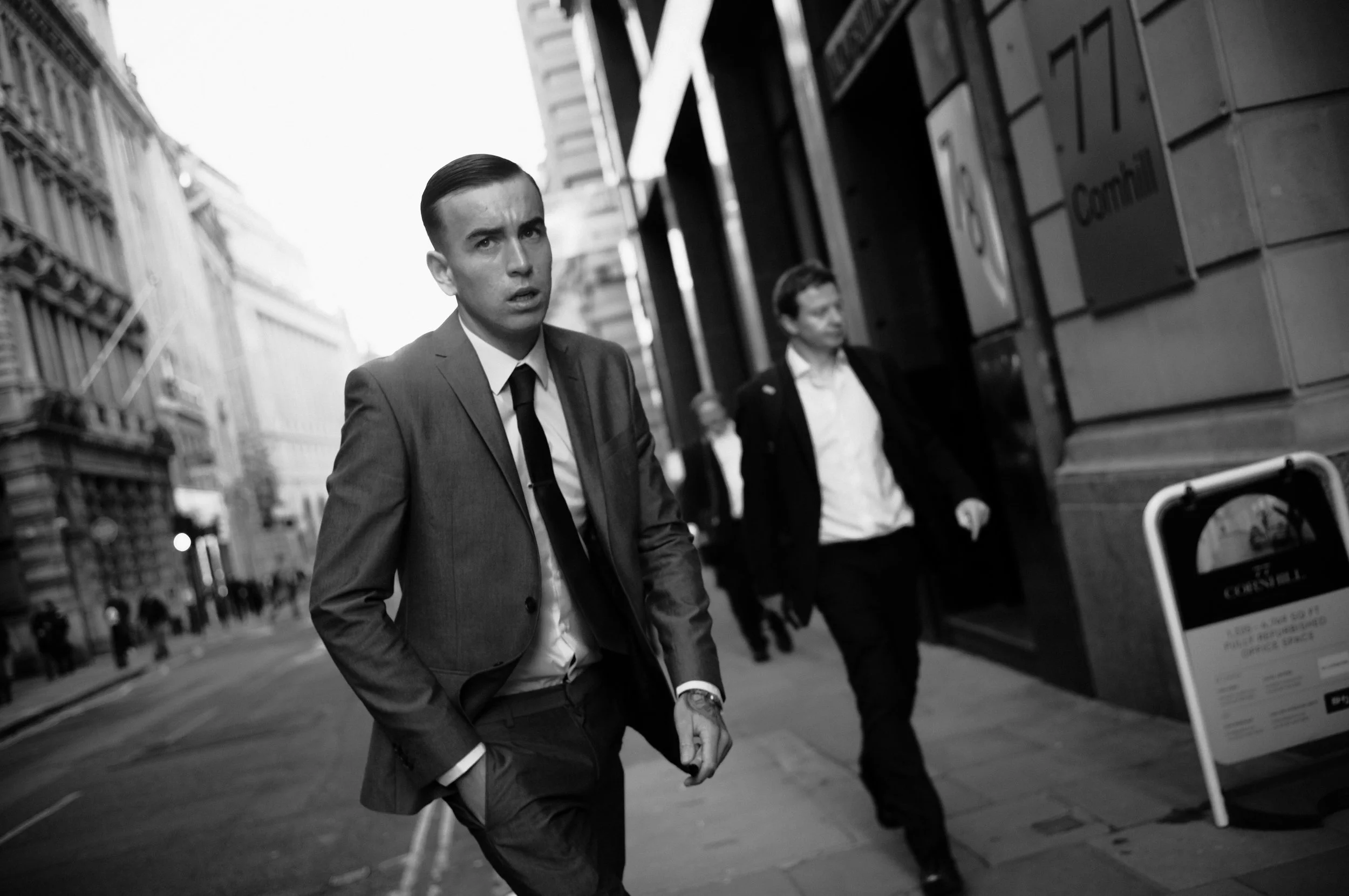
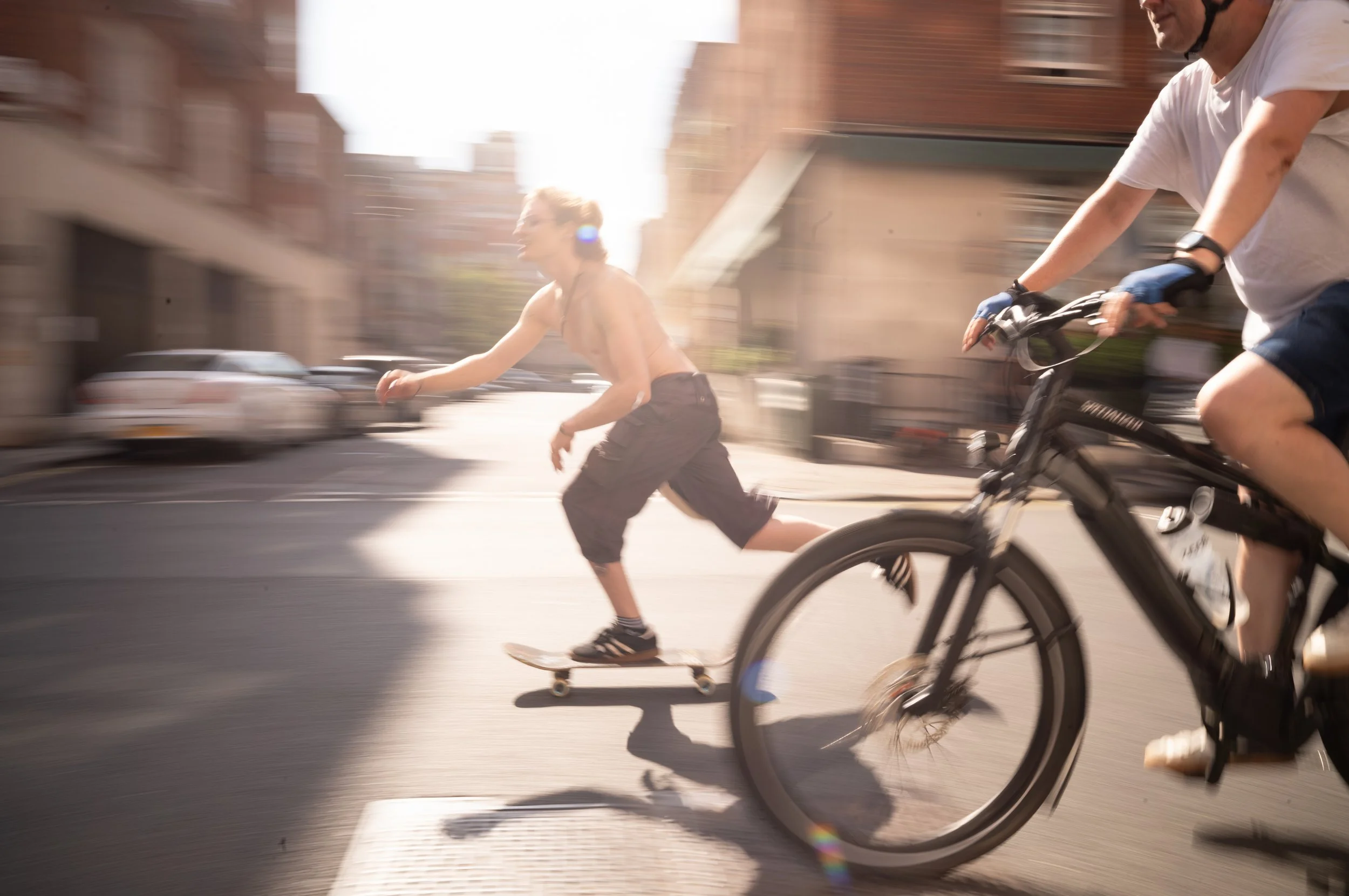
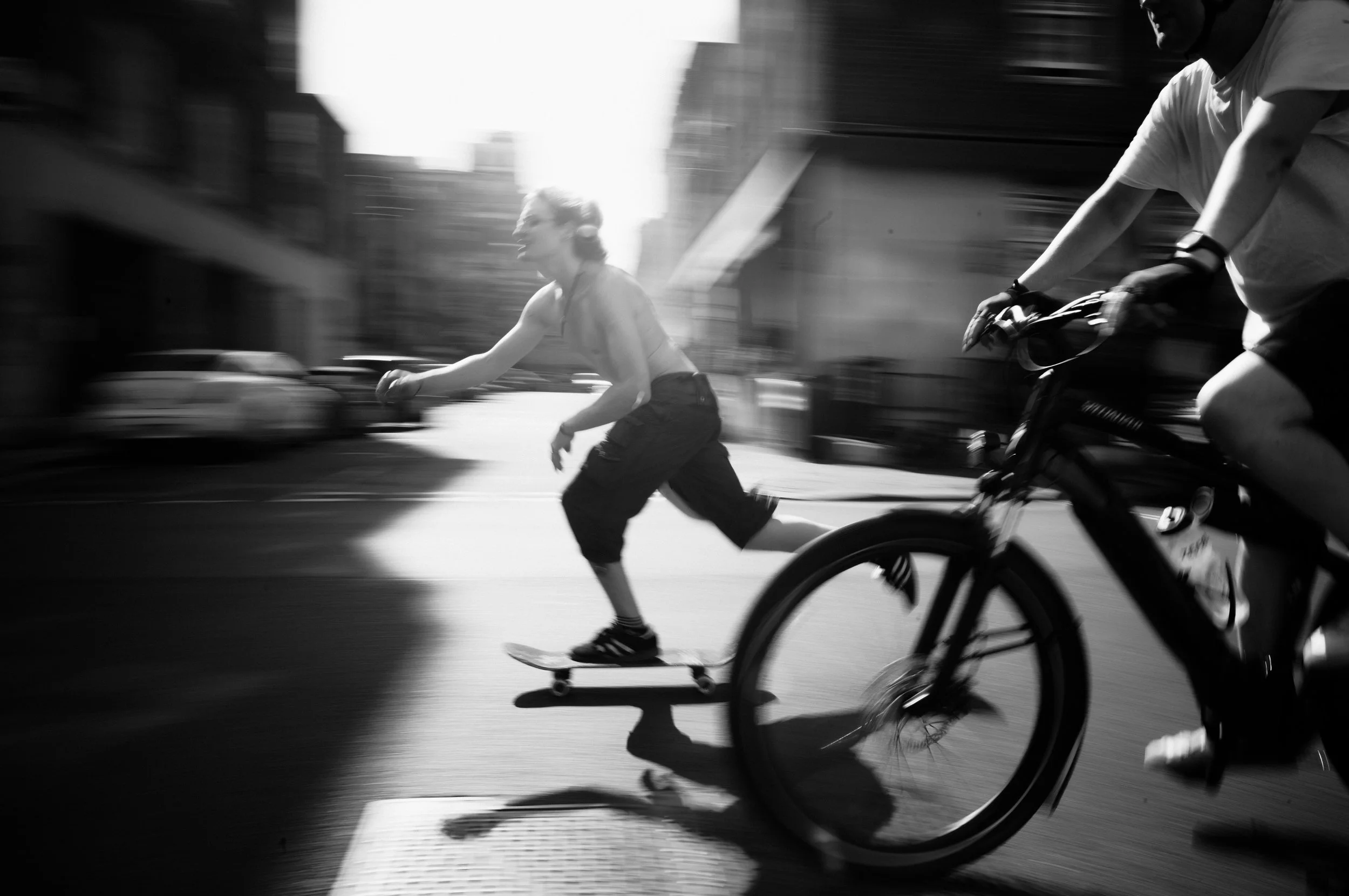
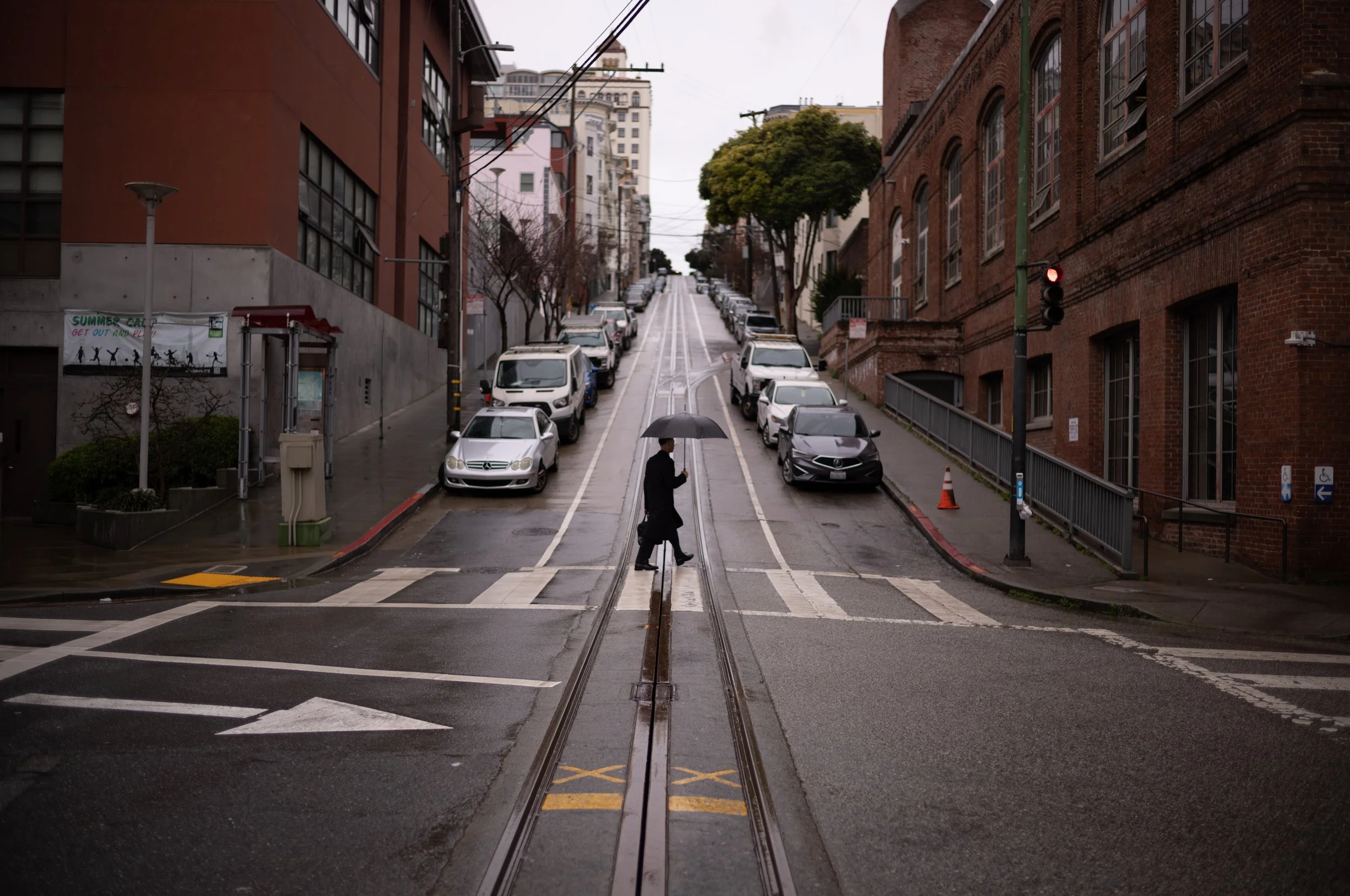
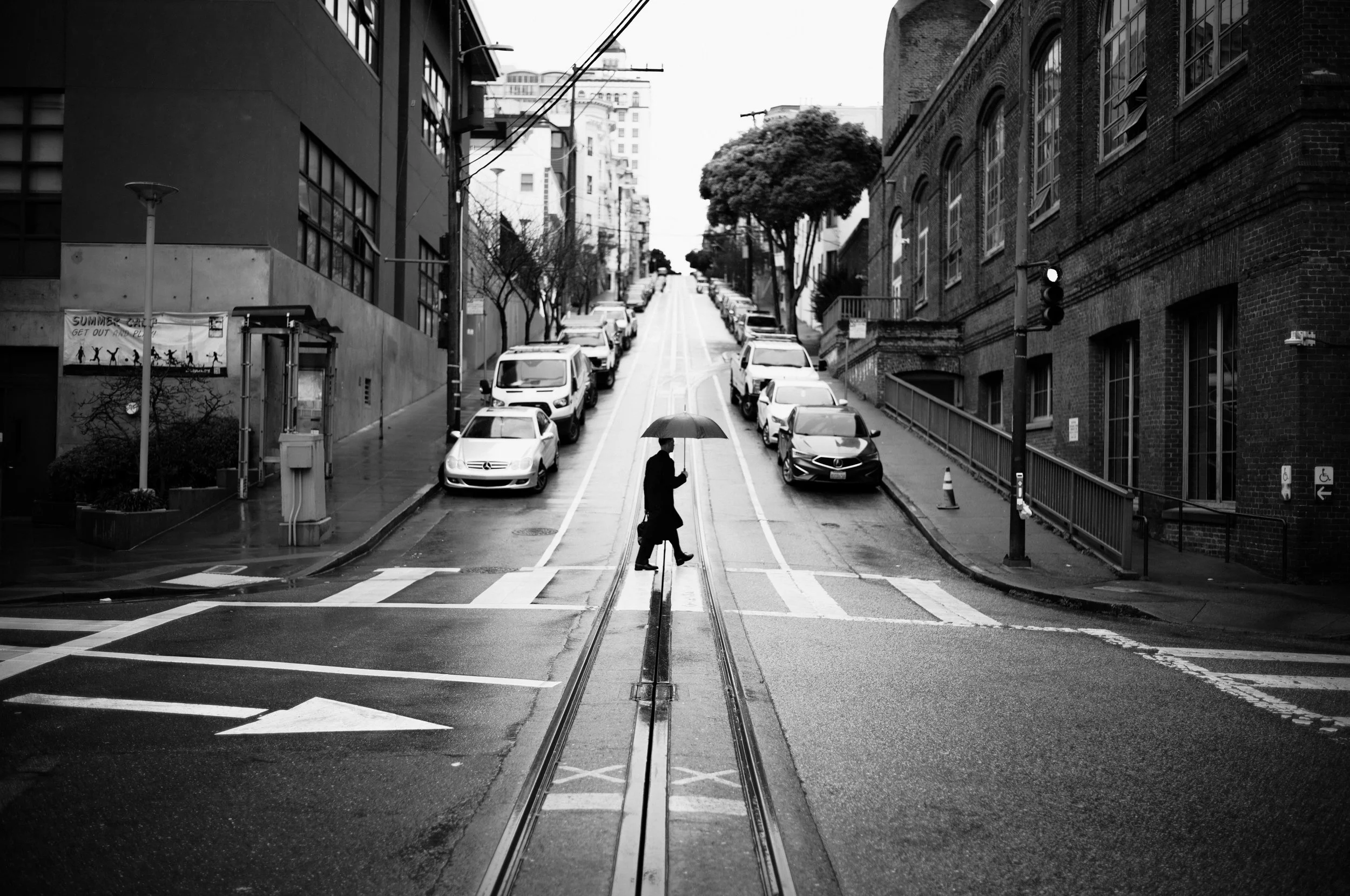
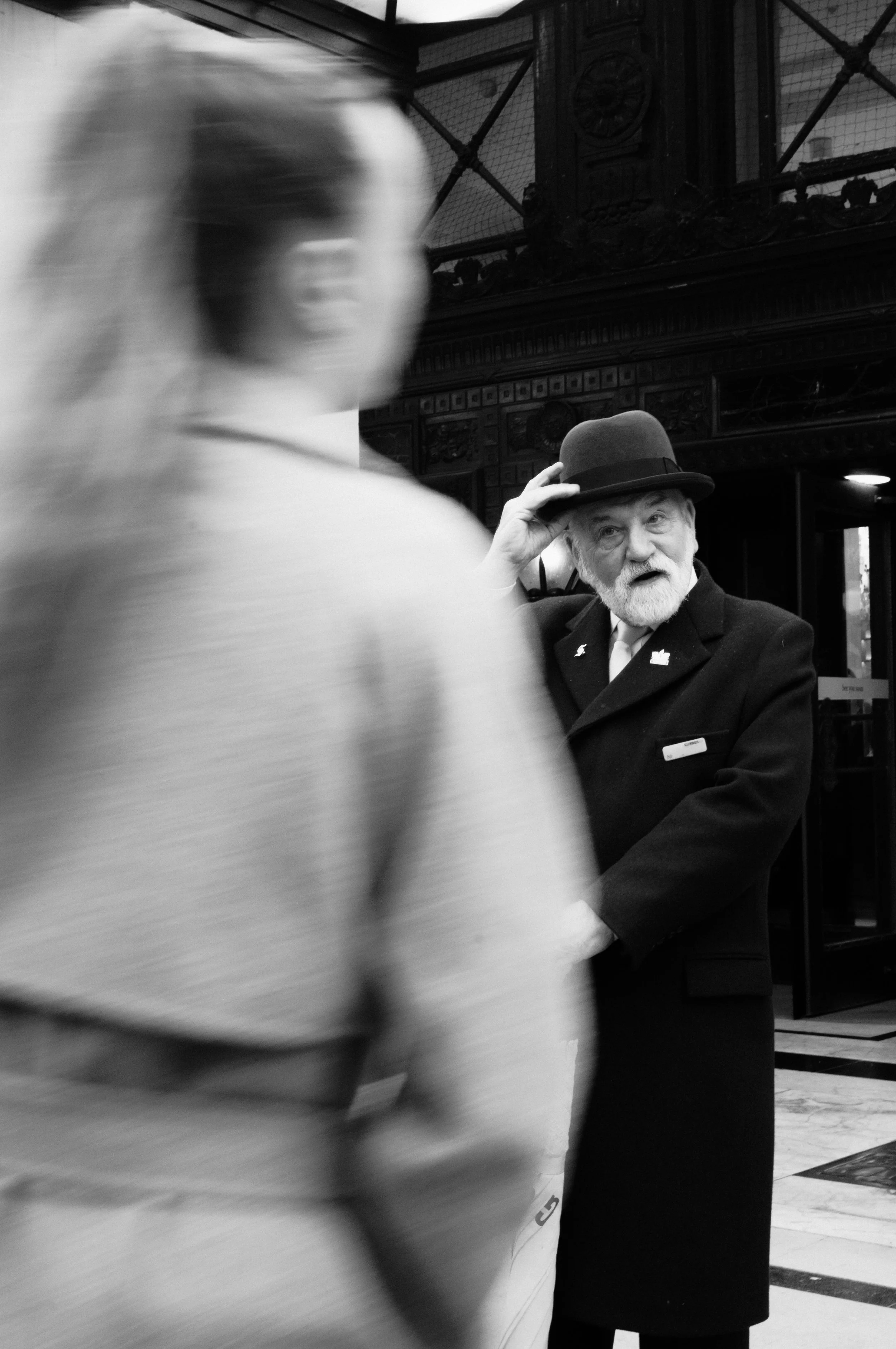
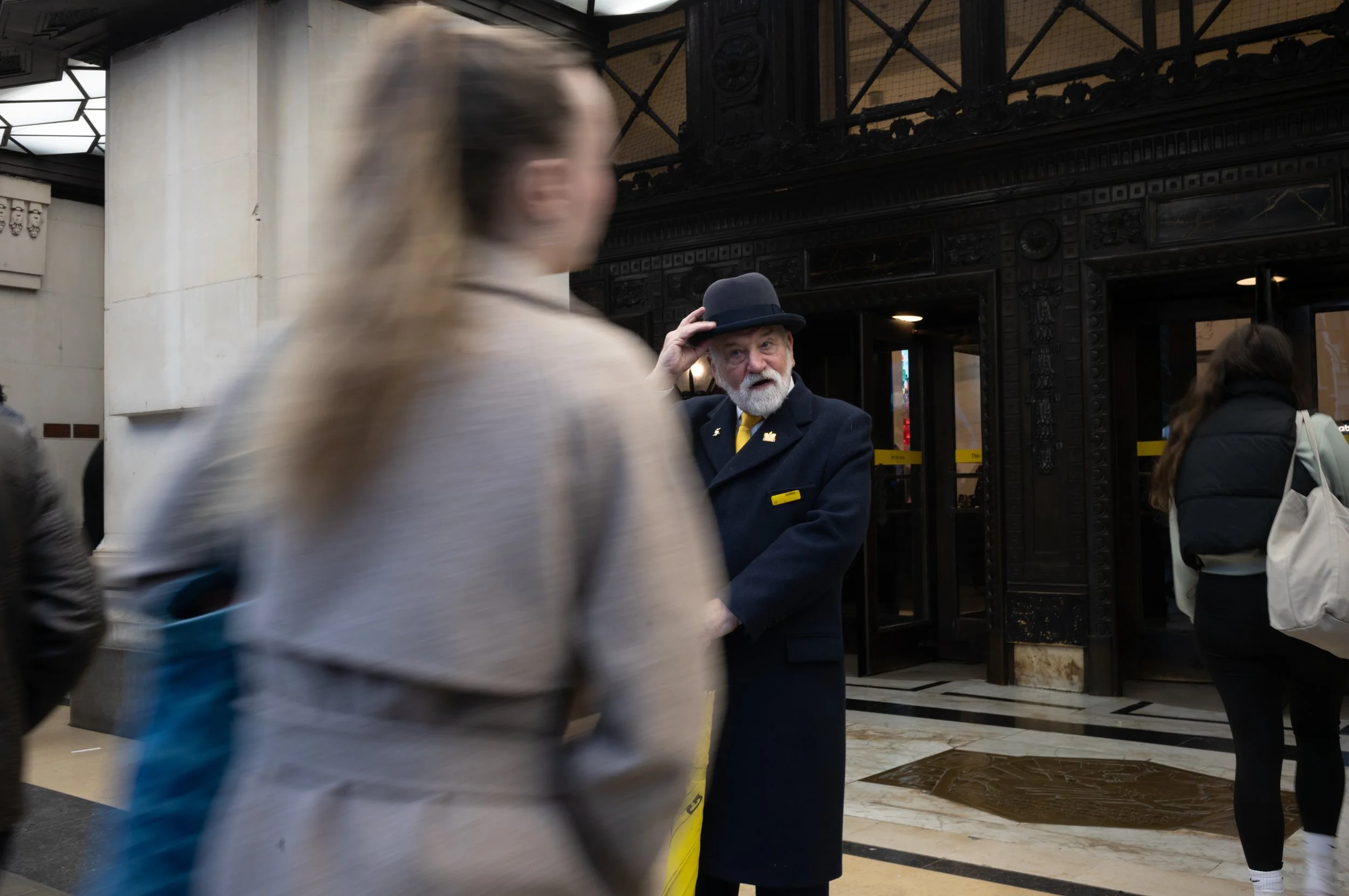
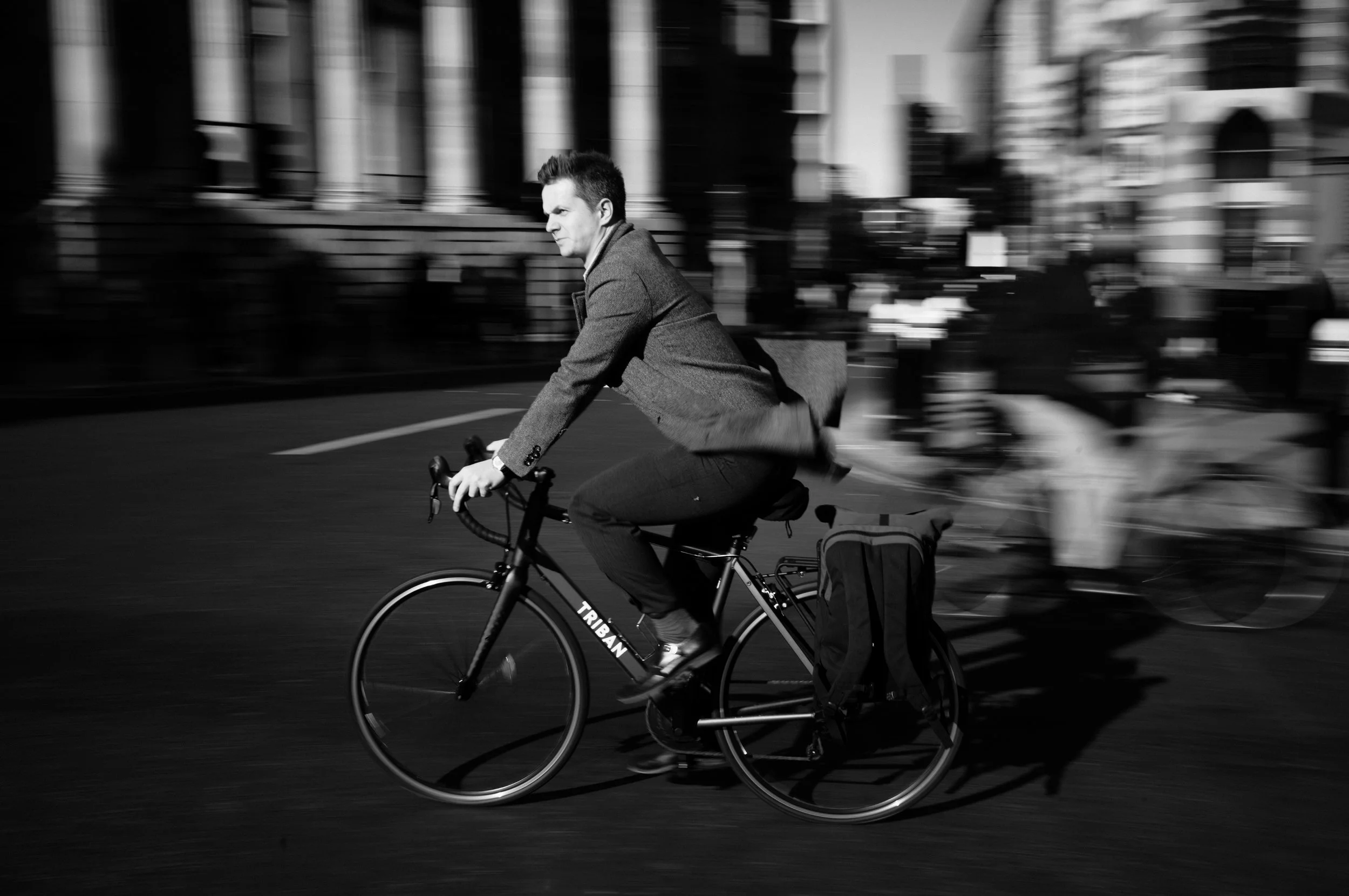
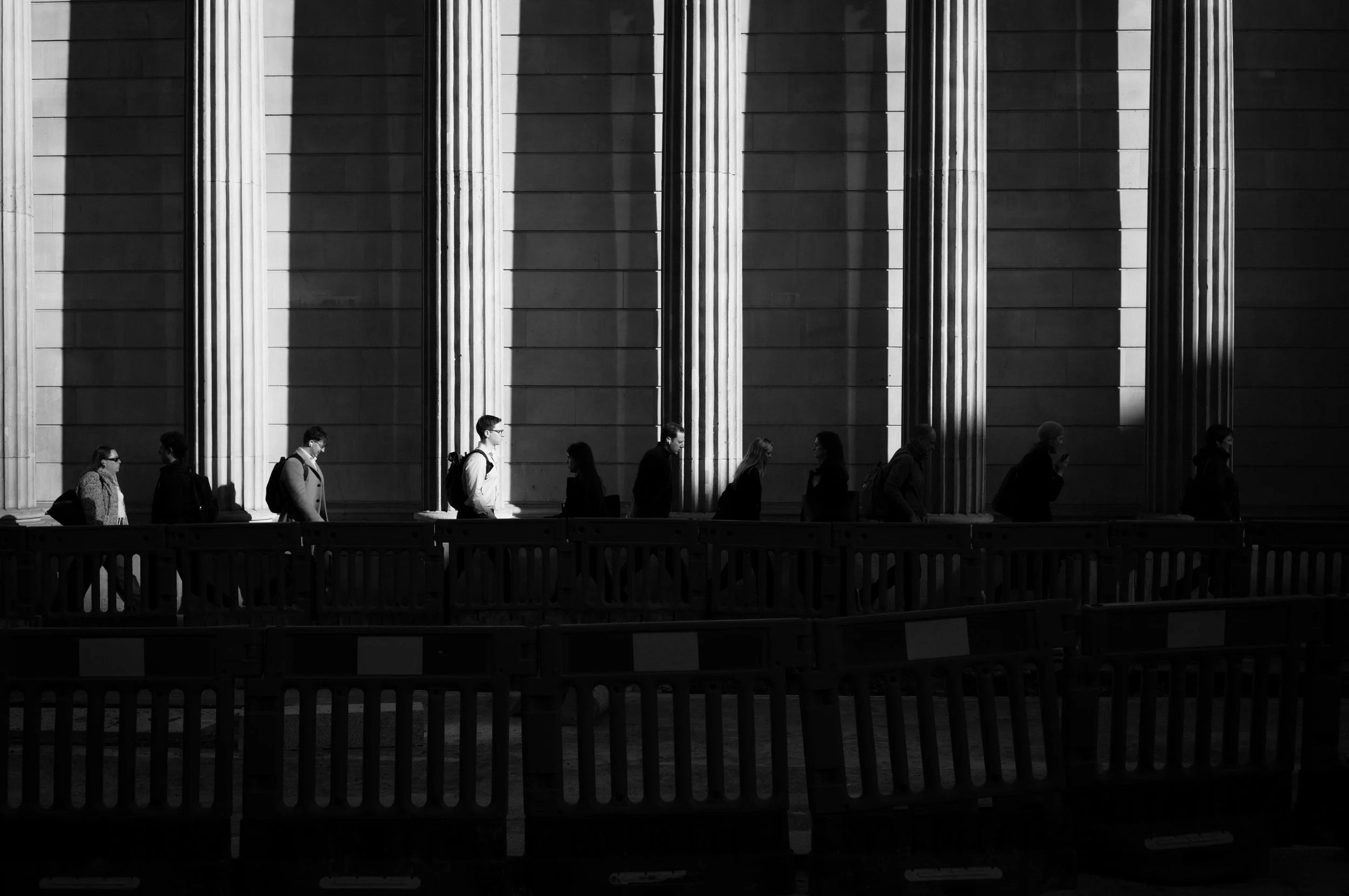
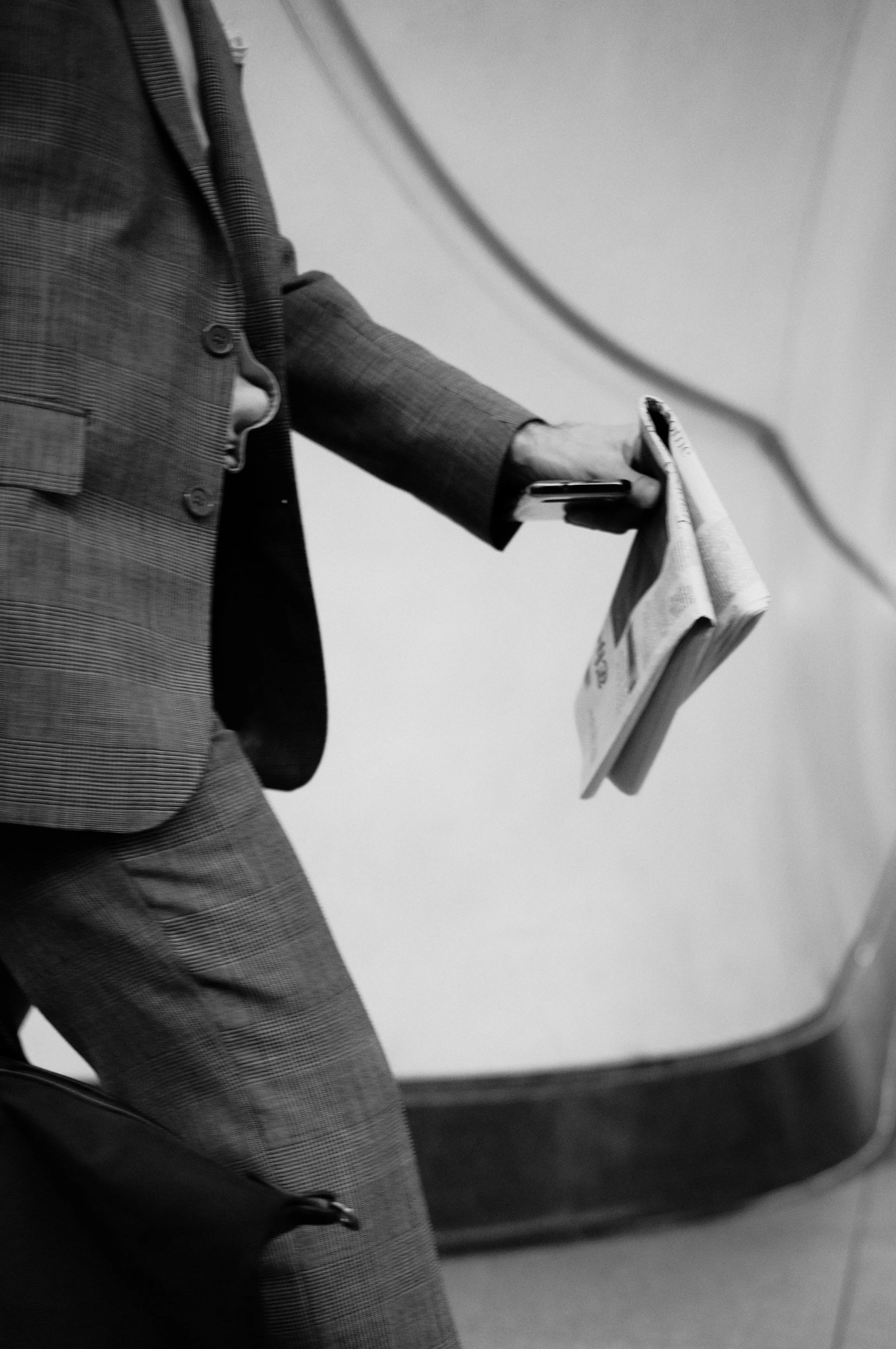
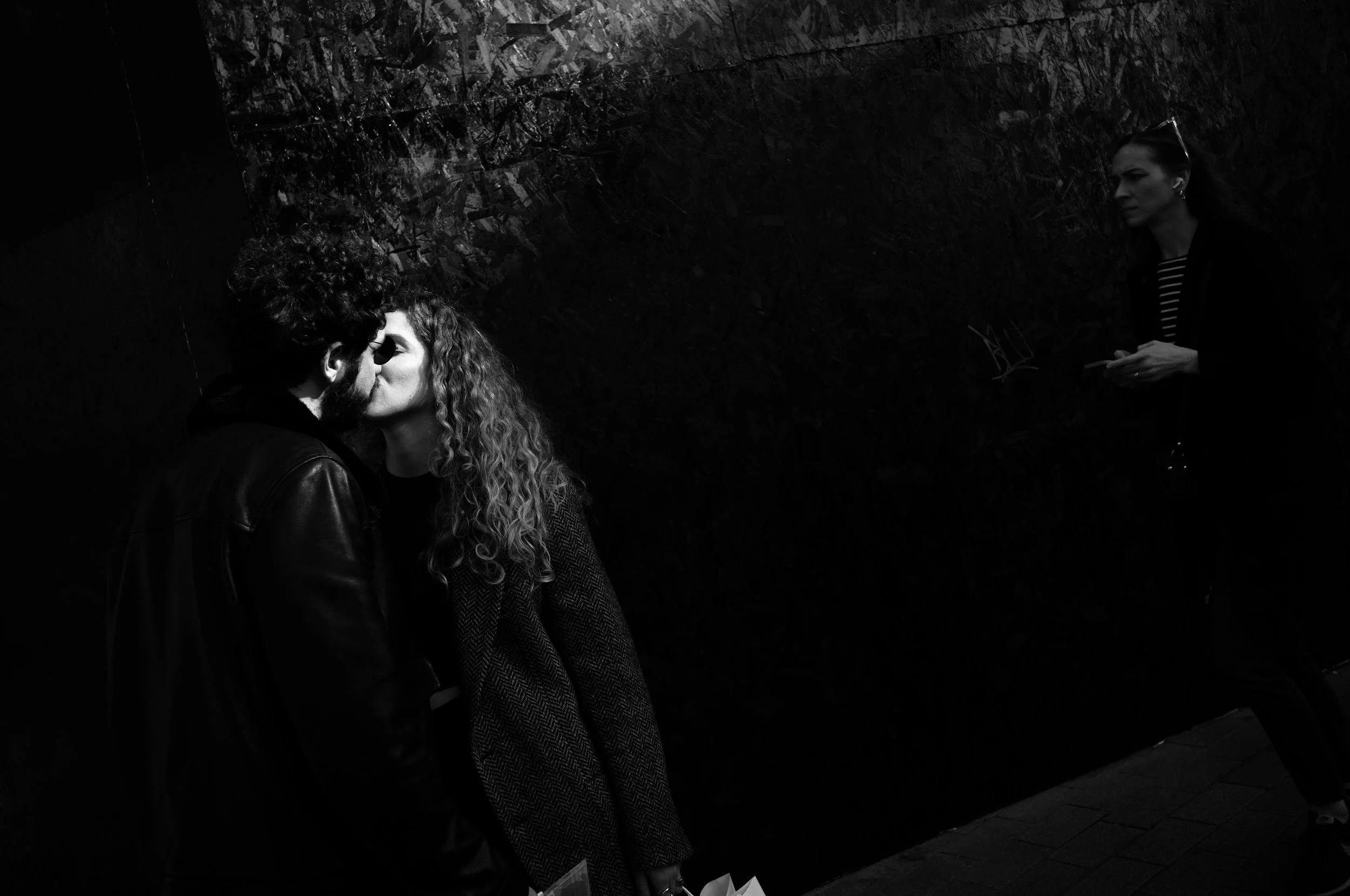
Leica Inspired - How I made it.
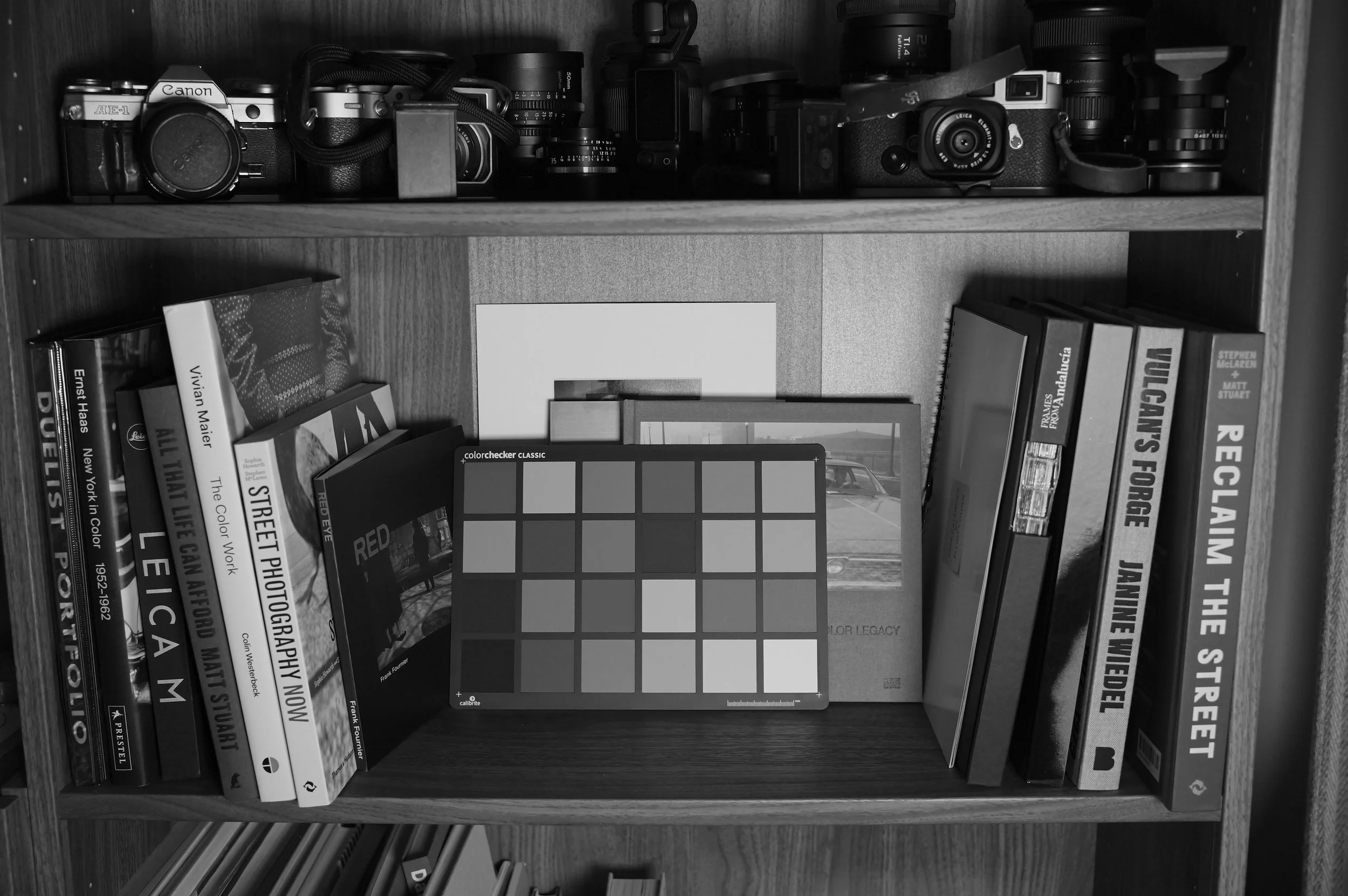
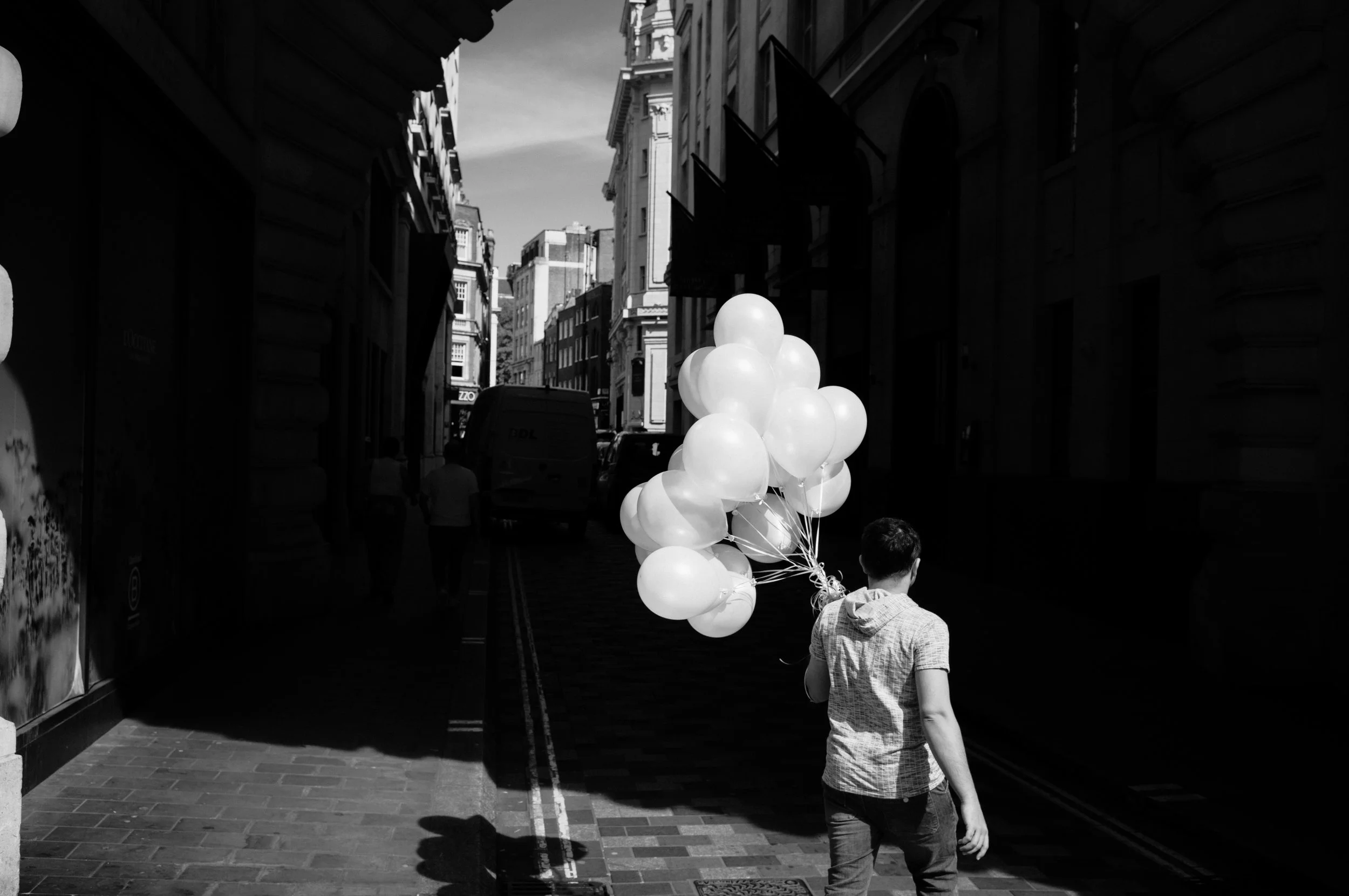
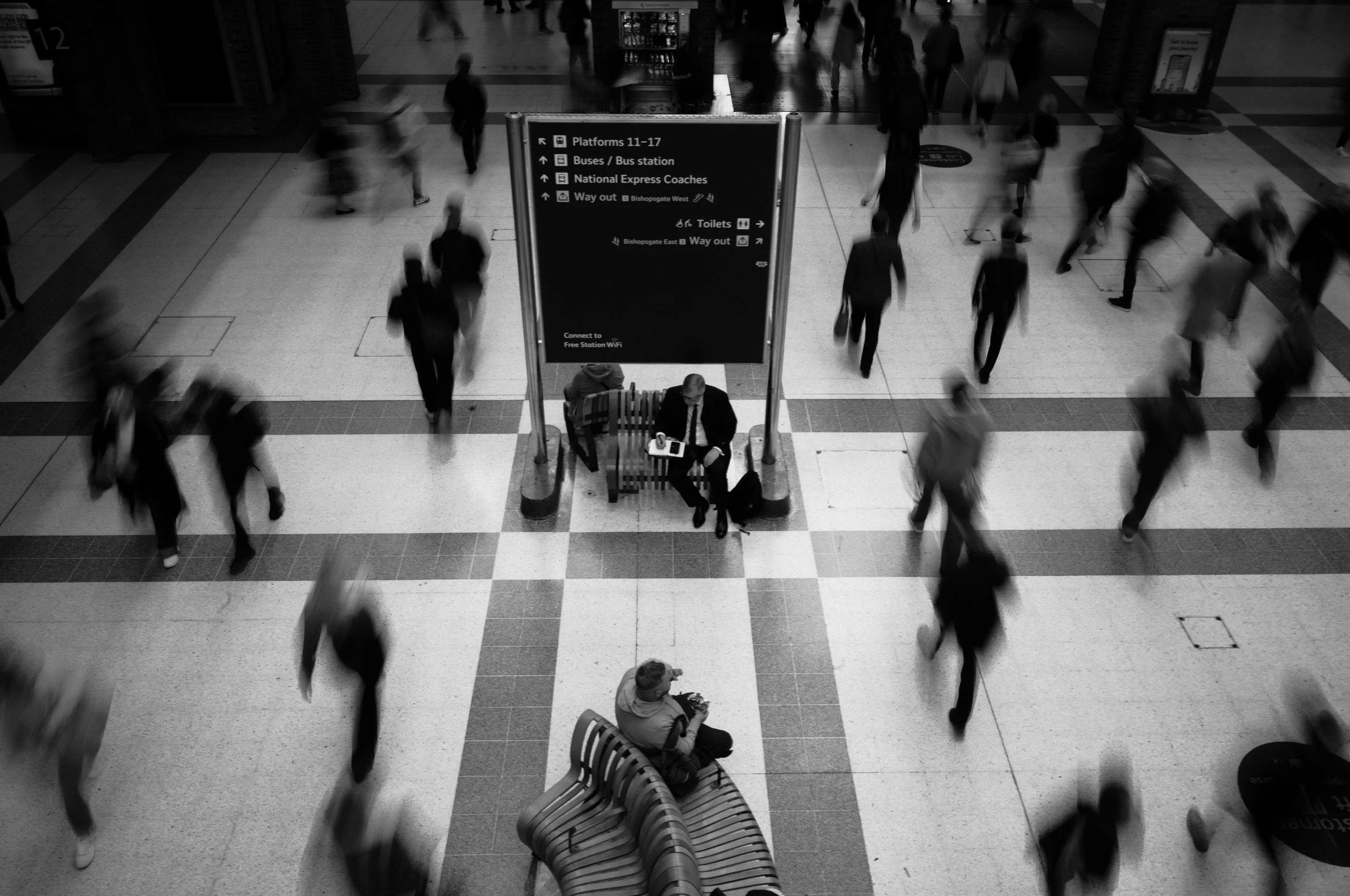
Leica Profile (M11 Jpeg) - High Contrast B&W
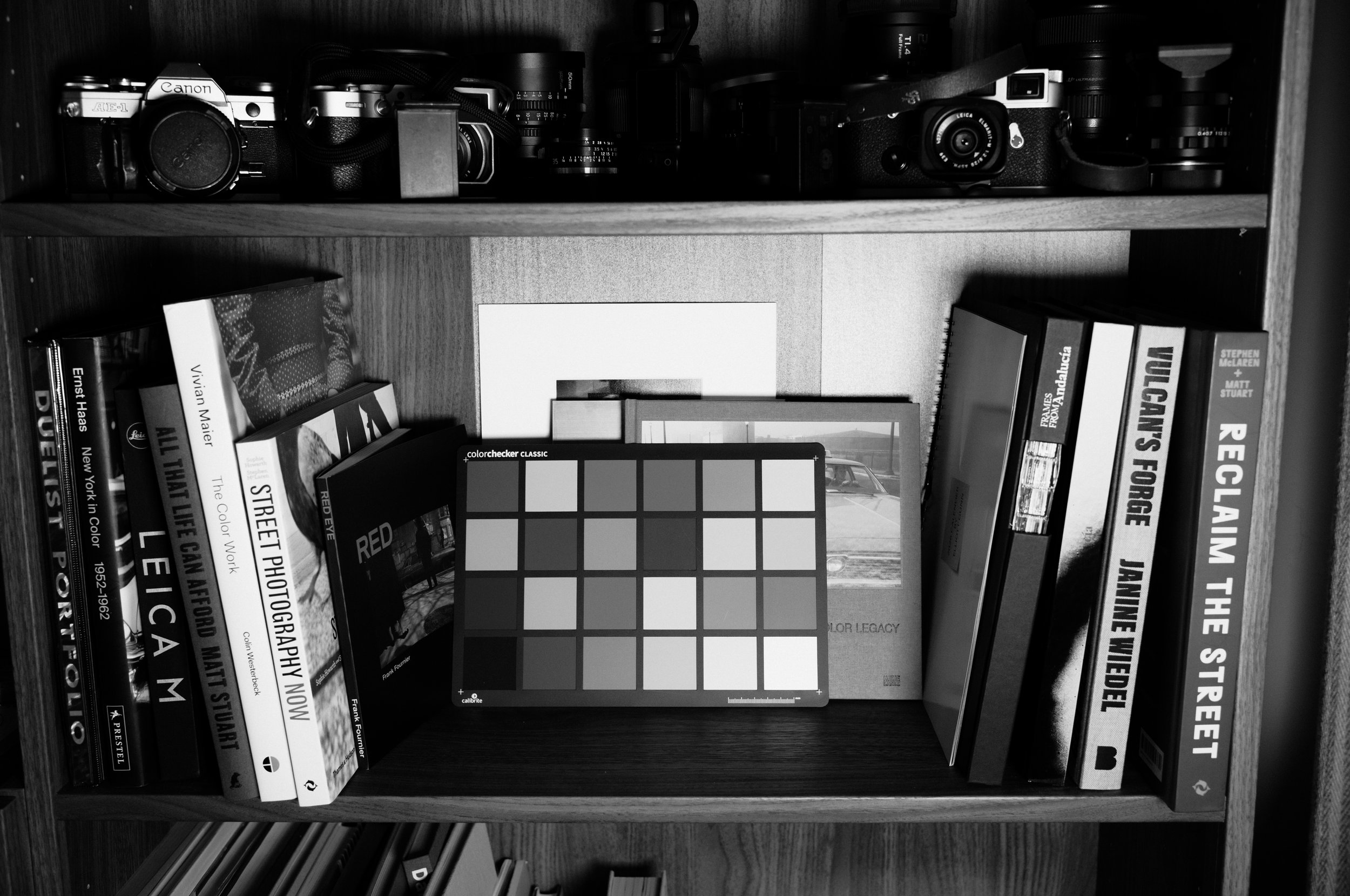
My Version - Grayscale matched and more contrast
This wasn't just a case of desaturating a file and tweaking the tone curve.
To get this right, I shot against a colour card and painstakingly matched how the Leica HC B&W profile converts each colour into grey.
The shade of grey that red becomes. The shade that green becomes. Skin tones. Sky. Foliage. Each one needed to be precise, so that when you drop this preset onto a colour RAW file, the tonal relationships match, as closely as possible what the Leica profile would have produced in-camera.
Combined with the Adobe Monochrome profile in Lightroom, the result is consistent and reliable across a range of camera files - not just Leica. I've tested it across multiple systems and it looks great to me.
This is the B&W preset I've been using personally for months. It's dialled.
You may also like
〰️
You may also like 〰️

5 subtle but effective Lightroom presets made for iPhone ProRAW photos.
Designed for both mobile and desktop, these presets bring out the natural tones, detail, and depth of Apple’s ProRAW files without overdoing it.
For best results, select the Apple ProRAW profile in Lightroom, adjust the Amount slider between 0–200, and fine-tune the White Balance to your preference.
These have been my go-to presets since switching to the new iPhone 17 Pro, perfect for getting a clean, refined look straight from your phone.
If you have any questions please don’t hesitate to get in touch via info@mikechudley.com - Thanks!

This Authentic Streets 2.0 is the second edition of the series including 7 unique Lightroom presets.
These edits have been created mostly with street photography in mind. Each of these presets will provide a subtle but unique style that I have created over the months prior to this release. I have used these on a lot of my street photography to soften that digital look and create something a little warmer and more film like. All 7 of these presets will be useful for different situations depending on the colour and light in your original file. My personal favourites from this pack are Vintage and Nostalgia.
The presets included in this pack:
Lifted
Authentic
Monochrome
Contrast
Vintage
Nostalgia
Cinema
Inside the pack you will find both Lightroom Desktop (XMP) and Lightroom Mobile (DNG) Preset Files
Quick tips for using these presets* I don’t believe any presets are a 1 click and fix solution so use these as starting points for you to develop the edit further if needed. Since I’ve been using these presets the main few things I like to tweak is my white balance and exposure. Depending on your cameras raw files you will need to adjust accordingly. If you have any questions please don’t hesitate to get in touch via info@mikechudley.com - Thanks!

This Authentic Streets preset pack contains 7 unique Lightroom presets.
This preset pack contains a range of Lightroom presets made up of edits I have been playing around with that will give you a film vibe while others will be much more subtle. These edits are designed to create you a good starting point and base level for you to then further develop your photos. I don’t believe in a 1 click and done style of editing so when you’ve applied the preset, feel free to tweak and change as you see fit.
The presets you will get:
Authentic Light
Authentic Scene
Authentic Analog
Authentic City
Authentic Sky
Authentic Colour
Authentic People
Inside the pack you will find both Lightroom Classic and Lightroom Mobile Preset Files
Thank you!